Wedding Photo App for Guests: Collect and Share Pictures Effortlessly
Your wedding photographer captures the professional moments—the first kiss, the grand entrance, the carefully orchestrated family portraits. But the photos that make you cry-laugh a year later? Those come from your guests. Aunt Carol catching your dad's reaction during the ceremony. Your college roommate documenting the surprise choreographed dance. Your cousin's phone capturing the moment your flower girl decided to sit down mid-aisle.
The challenge has never been whether guests take photos—they take hundreds. The challenge is actually getting those photos from their camera rolls to yours without the typical post-wedding chaos of group texts, forgotten promises, and "I'll send them next week" that turns into never.
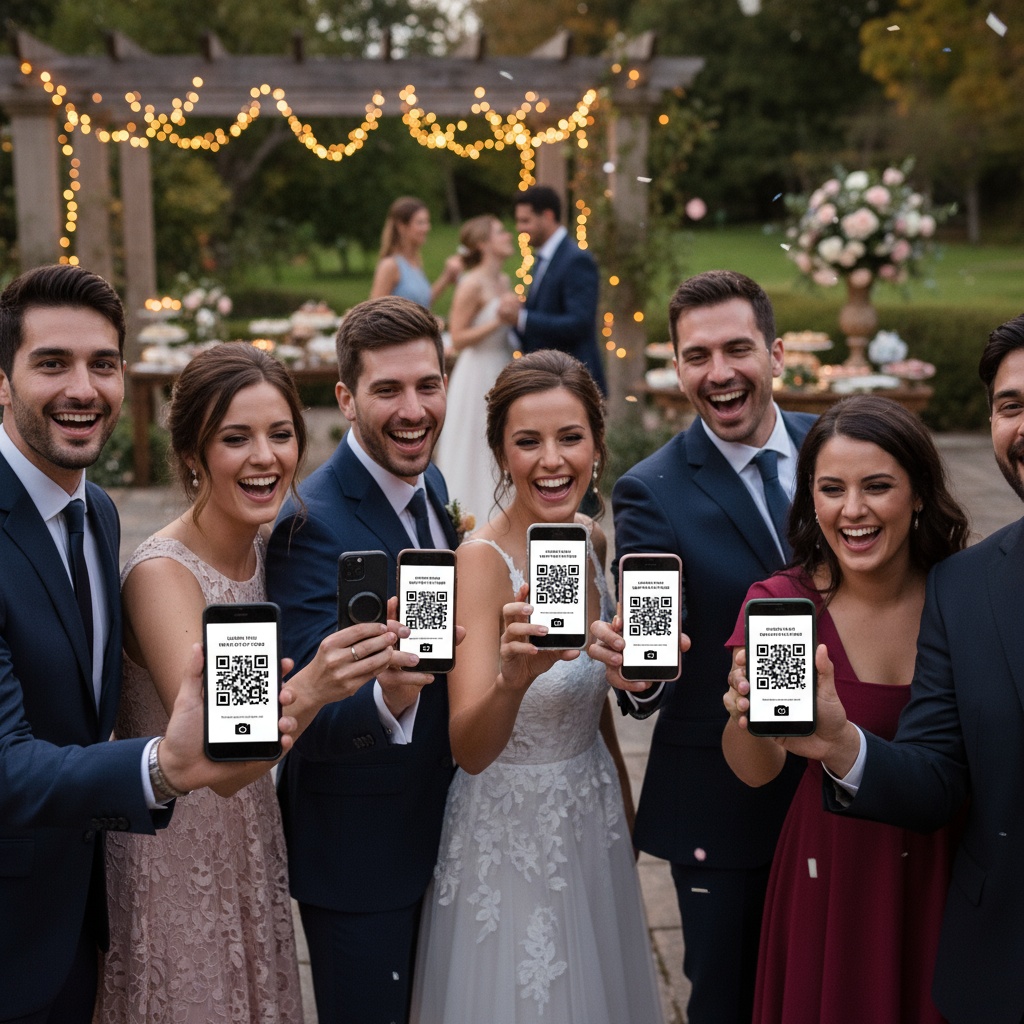
The Wedding Guest Photo Problem
Traditional collection attempts:
"Please email me your photos!"
- Response rate: 10-15% if you're lucky
- Timeline: Trickles in over 3 months
- Result: Scattered across email threads, varying quality, impossible to organize
"Post them on Facebook!"
- Not all guests use Facebook
- Privacy concerns (tagged photos visible to everyone)
- Compressed quality (unusable for printing)
- Sorting nightmare (who posted what when?)
"We'll create a shared album!"
- iPhone Shared Albums: iOS only (excludes Android guests)
- Google Photos: Requires account + confused guests
- Dropbox/Drive: Upload confusion + access management
- Result: 20-30% participation at best
The fundamental issue: Every method adds friction between "guest takes photo" and "you receive photo." Friction destroys participation.
How Modern Wedding Guest Photo Sharing Works
The solution eliminates friction entirely through QR code technology:
Before Wedding (5 minutes setup)
Your actions:
- Create wedding event on photo platform
- Platform generates unique QR code
- Download and add to wedding signage
- Print signs for welcome table, reception tables, bar area
During Wedding (Automatic)
Guest experience:
- Sees QR code on welcome sign or table card
- Opens phone camera (built-in app, no download needed)
- Points camera at QR code
- Notification appears: "Open website"
- Taps notification → upload page loads instantly
- Selects photos from camera roll → taps upload
- Photos appear on reception screens within seconds
Total time: 15 seconds. Works on any smartphone, any operating system, no app installation, no account creation.
Your experience:
- Watch photos flow in real-time
- Moderate content if desired (approve before display)
- Photos automatically organize by timestamp
- Access full collection immediately
After Wedding (Instant Access)
- All guest photos available in private gallery
- Bulk download.
- Share gallery link with all attendees
- Photos organized chronologically
- Use for thank-you cards, albums, social media
Learn more about collecting wedding photos from guests without the usual headaches.
Essential Features for Guest Photo Collection
1. No-App-Required Upload
Why critical: App downloads kill participation. When guests need to install an app, 60-70% think "I'll do it later" and never do.
The solution: Browser-based upload via QR scan. Works instantly on every modern smartphone without downloads or accounts.
Result: 75-85% guest participation vs 15-25% with app-required methods.
2. Live Display During Reception
The psychology: When guests see their photos appearing on screens in real-time, participation becomes entertainment. "I want to see my photo on the big screen!" is powerful motivation.
Setup:
- Connect TV/projector to gallery display URL
- Choose display mode (carousel, grid, slideshow)
- Photos appear seconds after upload
- Enable moderation to curate what appears
Impact: Live displays typically increase uploads by 40-60%. Guests upload specifically to see themselves featured.
3. Smart Content Moderation
Why necessary: You want candid photos, but maybe not Uncle Bob's bachelor party jokes visible on reception screens during dinner.
Two-tier system:
Automatic AI filtering:
- Screens obvious inappropriate content
- Filters accidental shots (extreme close-ups, blank photos)
- Happens instantly on upload
Manual approval (you control):
- Review photos before screen display
- Swipe to approve/reject
- Takes 2-3 seconds per photo
- Assign to wedding coordinator or trusted friend
Guest perspective: Their upload succeeds immediately (visible in private gallery). You simply curate what appears publicly on screens.
4. Unlimited Storage
Reality check: For 150-guest wedding with 75% participation, expect 400-700 photos from guests alone (plus your photographer's 500-1,000). "100 photo limit" plans fail before cocktail hour ends.
Requirement: Unlimited upload plans ($25-$75 typical) eliminate mid-reception caps and ensure you capture every moment.
5. Photo Downloads
The problem with compression: Social media and some platforms compress photos, making them less suitable for printing. That perfect candid shot of your first dance may not print well.
Solution: Platforms that maintain photo quality. Bulk download preserves photos for professional printing, albums, and framing.
Strategic Setup for Maximum Participation
6 Weeks Before Wedding
Platform selection checklist:
- ✓ Browser-based upload (no app download)
- ✓ Works on iPhone and Android
- ✓ Unlimited photo storage
- ✓ Live display capability
- ✓ Content moderation tools
- ✓ Photo downloads
- ✓ Password protection (optional privacy)
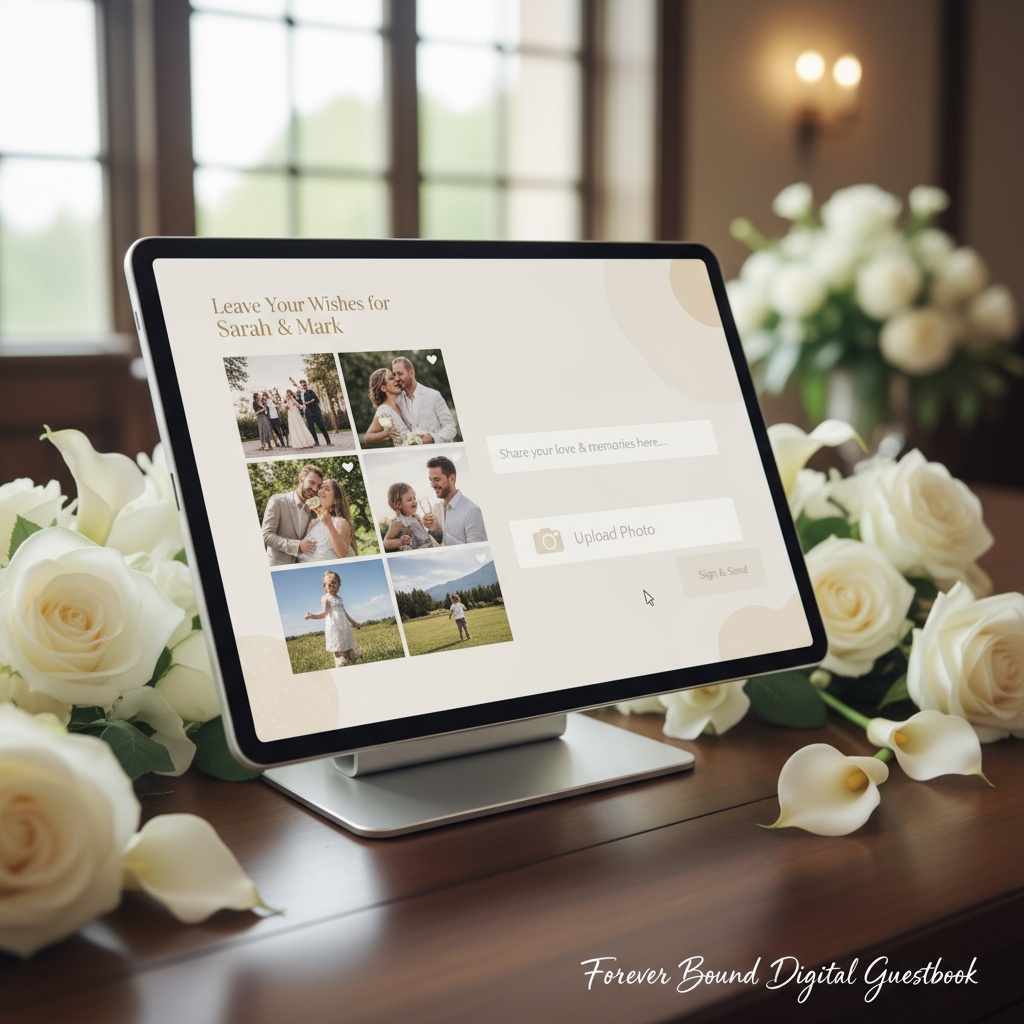
Fotify provides all of these specifically for weddings, including RSVP integration and digital guest book options.
Test the workflow:
- Create test event
- Try QR code upload on various devices
- Confirm display functionality
- Check download process
3 Weeks Before Wedding
Design signage:
Welcome table sign (Priority #1):
- Size: 8x10 minimum, 11x14 ideal
- Content: "Share Your Photos!" + large QR code + simple instructions
- Placement: Venue entrance where every guest passes
Reception table cards:
- Size: 4x4 inches
- One per table or every other table
- Content: QR code + "Scan to share photos" + wedding names/date
Bar area sign:
- High-traffic location where guests linger
- Perfect timing—phones already out
Bathroom mirror decals:
- Unexpected high-upload location
- Guests have downtime + phones in hand
- Great for selfie uploads
Design tips:
- Match wedding aesthetic (elegant frames for formal, rustic wood for barn wedding)
- Keep instructions simple (3 steps maximum)
- High contrast QR code (black on white scans best)
- Include WiFi password if helpful
Wedding Day
Strategic placement:
- 1 large welcome sign (entrance)
- 8-10 table cards (reception tables)
- 2 bar area signs (one per bar if multiple)
- 1 photo booth area sign
- 2 bathroom mirror decals
Total: 12-15 QR codes (all linking to same gallery)
Live display setup:
- Position TV/projector near cocktail area or dance floor
- Test connection before ceremony
- Enable moderation queue
- Assign moderator (you, coordinator, or trusted friend)
Kickstart participation:
- Wedding party uploads first
- Photographer adds early ceremony shots
- First uploads demonstrate functionality
- DJ/MC announces during reception
Key Announcement Moments
Ceremony conclusion:
- Officiant mentions: "Scan QR codes throughout venue to share your photos!"
Cocktail hour:
- First uploads appear on displays
- Early adopters demonstrate ease
- Social proof begins
Reception:
- DJ/MC announcement after first dance
- "Look for QR codes around the room—scan and upload your photos to see them on the big screen!"
- Repeat 2-3 times during reception
Strategic timing:
- During dinner (guests have downtime)
- Between dances (phones are already out)
- End of night ("Last call for photo uploads!")
Real Wedding Results
Emma & David - 175 guests:
- QR codes: welcome table + table cards + bar + bathrooms
- Live display: Two 65" TVs (cocktail area + reception)
- Collection: 623 photos during 6-hour reception
- Participation: 82% of guests contributed
- Perspectives: Candid dance floor shots, emotional ceremony moments photographer was positioned to miss, bathroom mirror selfies, behind-the-scenes getting ready photos
Cost: $45 (unlimited wedding plan) Traditional alternatives: Email requests collected 47 photos over 3 weeks
Sarah & Michael - Intimate 50-guest wedding:
- QR codes: Single welcome sign + table cards
- Live display: iPad mini on stand
- Collection: 217 photos
- Participation: 90% (small weddings = higher engagement)
- Notable: Even grandparents successfully uploaded with minimal help from bridesmaid
Cost: $25 (basic wedding plan) Value: Complete visual story from every guest's perspective
Jennifer & Alex - Large 250-guest wedding:
- QR codes: 20 locations throughout venue
- Live display: Four screens (ceremony venue + cocktail hour + reception + dance floor)
- Collection: 1,147 photos during 8-hour celebration
- Participation: 79% of guests
- Highlights: Captured candid moments across three separate venue spaces photographer couldn't be present for simultaneously
Cost: $75 (premium plan with extended storage) ROI: Comprehensive coverage equivalent to hiring 2-3 additional photographers ($1,500-$3,000 saved)
Guest Photo Collection vs Traditional Methods
| Method | Participation Rate | Setup Complexity | Real-Time Display | Quality Control | Delivery Timeline | Cost |
|---|---|---|---|---|---|---|
| QR Code Photo App | 75-85% | Easy (5 min) | Yes | Full moderation | Instant | $25-$75 |
| iPhone Shared Album | 20-30% | Medium | No | Limited | Delayed | Free |
| Email Requests | 10-15% | None (ongoing hassle) | No | Manual sorting | Weeks-months | Free |
| Social Media Hashtag | 40-50% | Easy | No (delayed) | None | Varies | Free |
| Google Photos Shared Album | 25-35% | Medium | No | None | Delayed | Free |
| Disposable Cameras | 100% (at tables) | High (procurement + developing) | No | None | 1-2 weeks | $300-$600 |
Winner: QR code photo apps deliver the highest participation, best quality control, and instant access—at a fraction of disposable camera costs.
Post-Wedding Photo Management
Immediate downloads (within 24-48 hours):
- Bulk download all guest photos
- Photos preserved for quality
- Organized by timestamp
- Separate folders: all uploads vs approved only
Guest access:
- Share gallery link with all attendees via email/text
- Optional password protection
- Allow downloads (guests can save favorites)
- Set expiration (30 days, 1 year, or permanent)
Using your guest photos:
- Thank-you card selections (candid moments)
- Social media posts (with guest permission)
- Printed albums (mixed with professional photos)
- Anniversary reminiscing
- Sharing with family who couldn't attend
Storage best practice: Download immediately, backup to cloud + external drive. Don't rely solely on platform storage.
Troubleshooting Common Concerns
"What if venue has poor WiFi?"
- Provide WiFi password on signage
- Modern platforms support cellular data uploads (guests use phone data)
- Photos queue offline and upload when connection available
- Test connectivity during rehearsal to identify dead zones
"Will older guests struggle with QR codes?"
- Modern smartphones scan automatically (very intuitive)
- Simple instructions on signage help
- Assign tech-savvy friend/coordinator to assist
- Include backup short URL for rare older phones
- Reality: 95% of guests navigate easily
"How do I prevent inappropriate photos?"
- AI filtering screens automatically
- Manual approval before screen display
- Guests see uploads in gallery immediately (not rejected publicly)
- 99% of weddings don't encounter issues—guests self-regulate at celebrations
- Assign moderator role if you're busy with reception
"What about photo privacy?"
- Password-protect gallery
- Control guest download permissions
- Moderate which photos appear publicly vs privately
- Share link only with actual attendees
- Set gallery expiration date
Wedding Guest Photo Collection FAQs
How do I collect photos from wedding guests without asking them to email?
Use QR code photo sharing—print QR codes on wedding signage, guests scan with phone camera, upload page opens in browser (no app needed), photos upload directly to your private gallery in 15 seconds. This delivers 75-85% guest participation vs 10-15% with email requests because it eliminates all friction between taking photo and sharing it.
Do wedding guests need an app to share photos?
No. Modern wedding photo platforms are browser-based—guests scan your QR code with their built-in camera app (works on iPhone and Android), which opens a web page for instant upload. No app download, no account creation, no login required. This universal compatibility is why participation rates are 4-5x higher than app-required methods.
Can I display guest photos live during my wedding reception?
Yes! Connect a TV or projector to your gallery's display URL. Guest photos appear on screens within seconds of upload. Choose carousel, grid, or slideshow display modes. Enable moderation to approve photos before they appear publicly. Live displays typically increase participation by 40-60%—guests upload specifically to see their photos featured.
How many photos should I expect from wedding guests?
For a 150-guest wedding with 75-80% participation, expect 400-700 guest photos. Smaller weddings (50 guests) typically collect 200-250 photos. Large weddings (250+ guests) can collect 1,000+ photos. Higher participation comes from strategic QR placement, live displays, and periodic DJ/MC reminders throughout reception.
What's the best way to organize QR codes at a wedding?
Place 12-15 QR codes for a 150-guest wedding: 1 large welcome sign at entrance, 8-10 table cards at reception tables, 2 bar area signs, 1 photo booth sign, 2 bathroom mirror decals. Multiple locations throughout venue maximize visibility and create multiple upload opportunities as guests move through different spaces during celebration.
Can I control which guest photos appear publicly at my wedding?
Yes, through moderation features. AI filtering automatically screens inappropriate content, then you manually approve photos before they appear on reception displays. Guests see their uploads in the private gallery immediately, but only approved photos show on public screens. Most couples assign this moderator role to wedding coordinator or trusted friend.
How long can wedding guests access the photo gallery after the wedding?
You control access duration. Most couples choose 30 days to 1 year for guest access, with option to extend or make permanent. Download all photos yourself immediately after the wedding (bulk download feature) as your permanent backup. This ensures you keep memories forever regardless of plan duration.
What happens to wedding photos if guests don't have good internet at the venue?
Provide venue WiFi password on QR code signage. Most platforms support cellular data uploads as backup (guests use their phone data). If connectivity is temporarily poor, photos queue and upload when connection improves (platform-dependent feature). Test internet at venue during rehearsal to identify any problem areas.
How much does wedding guest photo collection cost compared to alternatives?
QR code wedding photo platforms cost $25-$75 for unlimited uploads vs disposable cameras at $300-$600 (purchasing + developing) or professional second shooter at $500-$1,000. Free options (email requests, social media) deliver only 10-15% participation vs 75-85% with QR codes, meaning you miss hundreds of moments despite zero cost.
Capturing Every Wedding Moment from Every Perspective
Your photographer delivers professional artistry. Your guests deliver authentic perspective—the laughter your photographer was positioned to miss, the angles unavailable from one person with a camera, the spontaneous magic that happens everywhere simultaneously.
The right wedding photo app makes collecting guest photos effortless while turning photo sharing into reception entertainment that guests remember.
Success formula:
- Eliminate friction: QR codes, browser-based, no apps/accounts
- Strategic placement: 12-15 QR locations throughout venue
- Live display: Photos on screens drive participation
- Content moderation: You control what appears publicly
- Instant access: Download everything immediately after celebration
Ready to collect hundreds of guest photos effortlessly? Create your wedding event and generate your QR code in minutes. From intimate ceremonies to grand celebrations, wedding photo collection that actually works.
Explore more wedding guides: wedding photo apps, QR code implementation, and modern guest book ideas.
Wedding guest photo collection made simple with Fotify. QR codes, live displays, and private galleries that capture every moment from every perspective. Start planning today.
Pricing may vary depending on your country and currency. See the latest pricing on the pricing page.
Related Pages
Discover how Fotify can transform your events