QR Code for Wedding Photos: One Scan, Every Guest's Pictures
Generate a custom wedding QR code in 60 seconds. Print it on table cards, signs, or invitations. Guests scan, upload from any phone, and your gallery fills automatically — no apps, no logins, never expires.
- ✓ Custom design with your monogram and colors
- ✓ Print-ready PDF flyer included
- ✓ Works on every phone — no app download
Free forever • No watermark • Used by 10,000+ couples
5%
Only about 5% of the photos taken at a typical wedding ever reach the couple.
Why a QR Code Beats Every Other Way to Collect Wedding Photos
Disposable cameras run out. Group chats get buried. Google Drive links get forgotten. Asking guests to text you photos almost never works. A QR code for wedding pictures fixes all of that — one scan, one upload, one private gallery. Every guest. Every angle. Every moment your photographer wasn't standing there for.
How a Wedding Photo QR Code Works
From your laptop to a print-ready flyer in under 5 minutes
1. Create your wedding gallery
Set up your Fotify event in under 2 minutes — your names, the date, privacy settings. You'll get a unique gallery link instantly.
2. Generate your custom QR code
Paste your gallery link into our free QR code generator. Add your monogram or initials, pick colors that match your wedding palette, and choose a designed theme.
3. Download as print-ready PDF
Download your QR code as a print-ready A4 PDF flyer, or as a high-resolution PNG/SVG for your designer. Use it on table cards, ceremony programs, welcome signs, or save-the-date inserts.
4. Display it at your wedding
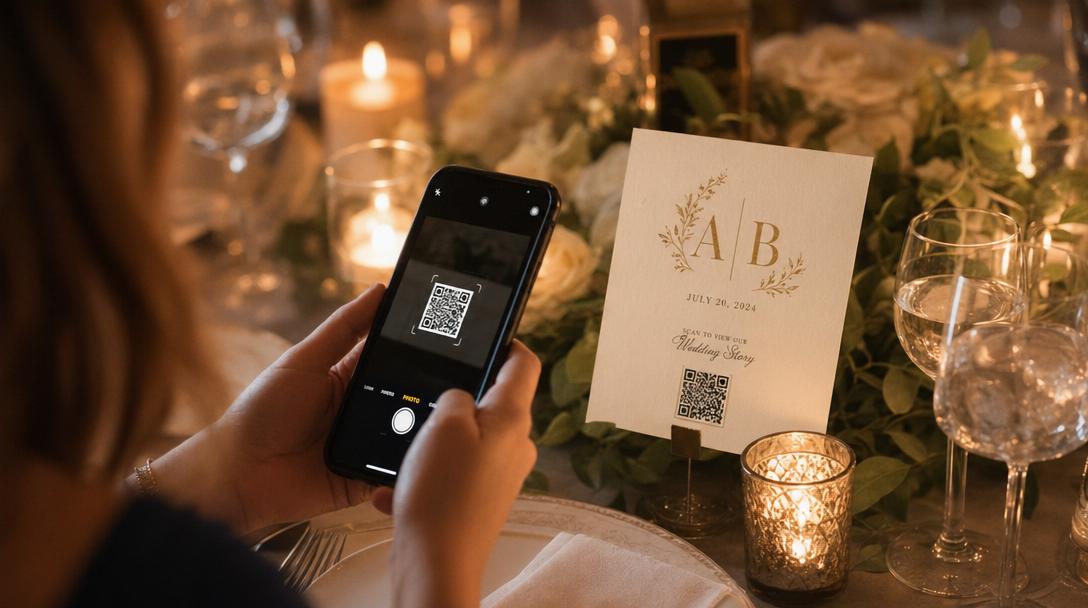
Place the QR code where guests will see it — every table, the bar, the welcome sign, the photo booth backdrop. Guests scan with their phone camera, upload pictures from their browser, and the photos appear in your gallery instantly.
Where to Place Your Wedding Photo QR Code
The more places guests see it, the more photos you collect
Table cards
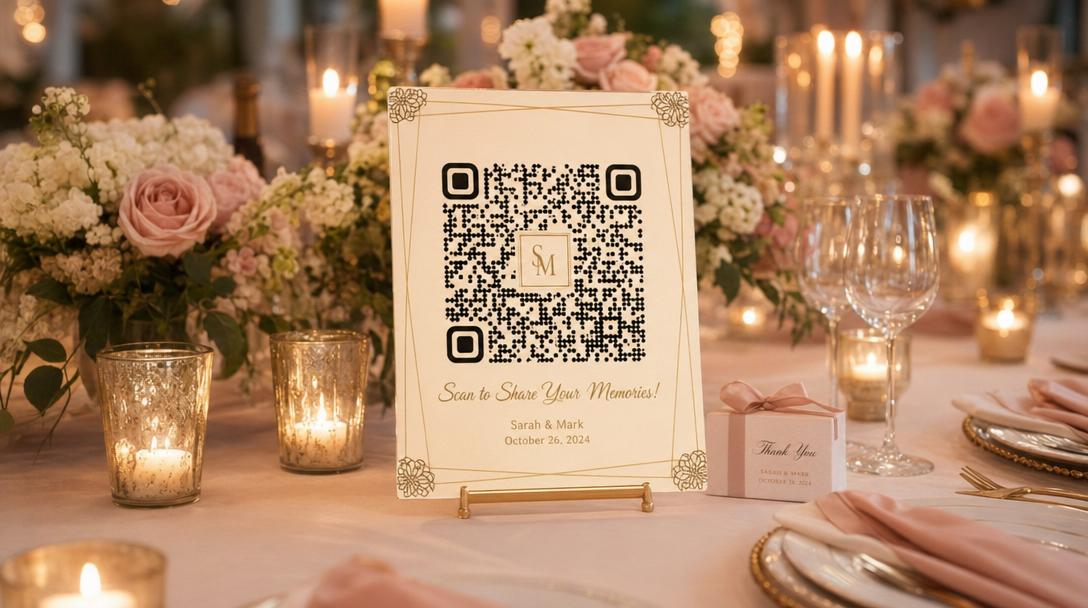
One QR per table doubles upload rates vs a single sign at the entry. Print on the back of menu cards or as standalone tents.
Ceremony programs
Add the QR to the back of your printed programs so guests can upload ceremony shots before the reception even starts.
Welcome signs
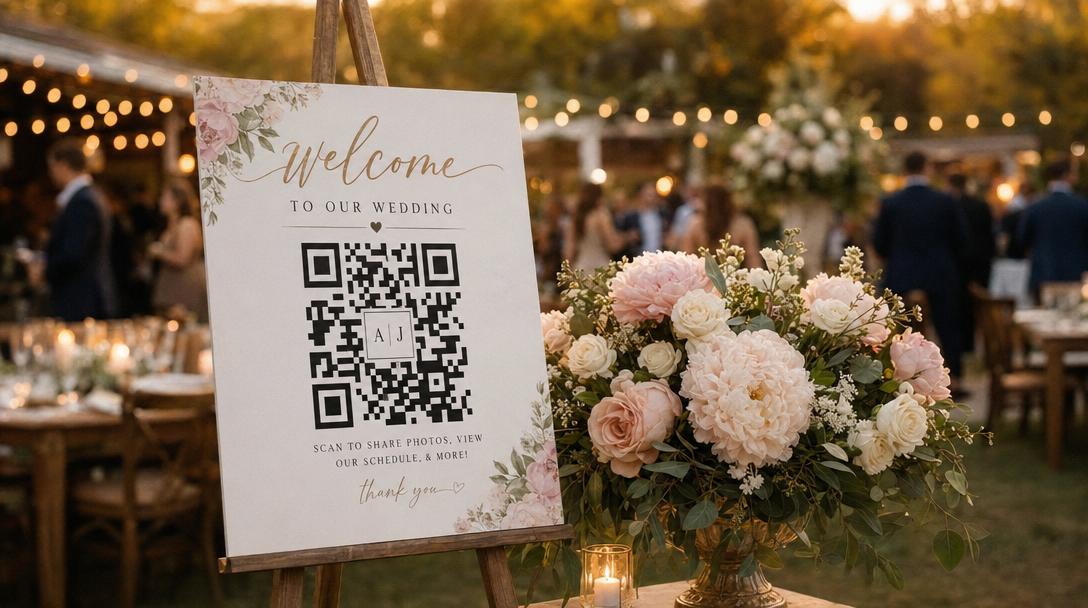
A large QR on your welcome sign lets every arriving guest opt in within the first 30 seconds of the wedding.
Photo booth backdrop
Print the QR on or beside your photo booth backdrop so guests upload their booth shots straight to your shared gallery.
Digital save-the-dates
Embed the QR in digital save-the-dates so guests can save the link before the wedding and start uploading from rehearsal events.
Dance floor signs
Late-night dance floor candids are the photos couples treasure most. A nearby QR sign reminds guests to share what they're capturing.
Bar coasters
Print QR coasters at the bar — guests check them while waiting for drinks. Low effort, high opt-in rate.
Wedding website
Share the QR on your wedding website's photos page or post-wedding update so even guests who didn't scan in person can still contribute.
Design Tips for a Wedding QR Code That Actually Gets Scanned
Beautiful QR codes lift scan rates by 30-50% over plain black-and-white squares
Print it big enough
Minimum 1 inch (2.5 cm) for table cards, 2 inches for menu inserts, 4+ inches for welcome signs and posters. Bigger is always more reliable.
Keep contrast strong
Dots must be darker than the background. Pretty pastel-on-pastel codes look great but fail to scan. Use deep ink colors on light backgrounds.
Add your monogram
Embedding your wedding monogram in the center makes the QR feel intentional and branded. Our generator auto-adjusts error correction so the code stays scannable.
Match your wedding colors
Use your wedding palette for the QR colors and frame. Subtle branding feels like part of the design instead of a tech afterthought.
Add a one-line caption
"Scan to share photos with us" or "Upload your wedding pictures here" gives guests immediate context — they don't have to guess what the code does.
Test before printing
Scan from 3 different phones (iPhone, Android, older device) and from the actual print distance. A 30-second test prevents printing 200 broken QR cards.
QR Code vs Other Ways to Collect Wedding Photos
Why a QR code beats every other method
Couples have tried everything: WhatsApp groups, disposable cameras, hashtags, USB sticks at the welcome table. Most of those methods quietly fail. Here's how QR-code-based photo sharing compares.
| Method | Upload rate | Quality | Effort after | Verdict |
|---|---|---|---|---|
| QR code + Fotify | 85-95% guest participation | Original quality preserved | One-click batch download | Highest opt-in, zero post-event work |
| WhatsApp / iMessage group chat | 30-40% (only same-platform guests) | Heavily compressed | Hours scrolling and saving manually | Low quality, lots of work, excludes Android-vs-iPhone |
| Disposable cameras | 20-30 photos per camera if you're lucky | Film quality (variable) | Develop film, scan, organize | Cute aesthetic, expensive, slow, limited shots |
| Wedding hashtag on Instagram | 10-20% of guests post publicly | Original (Instagram-compressed) | Photos scattered across public feeds | Photos are public, hard to collect, low participation |
| Google Drive / Dropbox link | 10-25% (link gets forgotten) | Original | Manual organization needed | Free but guests rarely follow through |
| Asking guests to text photos later | 5-15% follow through | Compressed by SMS | Chase guests, save one-by-one | Lowest reliability — guests forget |
Generate Your Wedding QR Code Now
Free, custom, print-ready. With your monogram, your colors, and zero watermark.
Open the free QR code generator →Wedding QR Code FAQs
Everything couples ask before printing their first QR card
How do I create a QR code for wedding photos?
+
Can I print my wedding QR code on table cards and signs?
+
What size should a wedding QR code be?
+
Will my wedding QR code expire?
+
Do guests need an app to scan a wedding QR code?
+
Can I add my wedding monogram or initials to the QR code?
+
Should I have one QR code for the whole wedding or one per location?
+
What if my QR code doesn't scan when I test it?
+
Is the wedding QR code generator really free?
+
Can I use the wedding QR code for the rehearsal dinner and reception together?
+
Ready to Generate Your Wedding QR Code?
Free, custom, and print-ready in under 5 minutes. Join 10,000+ couples who chose the easier way to collect wedding photos.
Or learn about Fotify's wedding photo sharing appRelated Resources
Wedding Photo Sharing App
The full Fotify product for wedding photo collection — live display, AI moderation, RSVP integration.
Free QR Code Generator
The standalone QR code generator with logo, themes, and PDF export.
Weddings on Fotify
Pricing, features, and the full wedding solution at a glance.
Wedding Guest Photo App
How Fotify makes guest photo upload effortless — for every guest, every age, every device.