AI Invitation Maker: How to Design Event Invitations with AI (2026)
Typing "AI invitation maker" into a search bar in 2026 gets you two very different kinds of tools, and picking the wrong kind is the most common mistake people make.
The first kind generates a picture. You type a prompt, you get an invitation-shaped image, and then you're on your own: the text may have typos baked into the pixels, the date is wrong the moment your venue changes, and there's no way for anyone to RSVP to a JPG.
The second kind designs a real invitation: a live page your guests open, respond to, and come back to. This guide covers what AI can genuinely do for invitations today, how to get good results from it, and where the limits are.
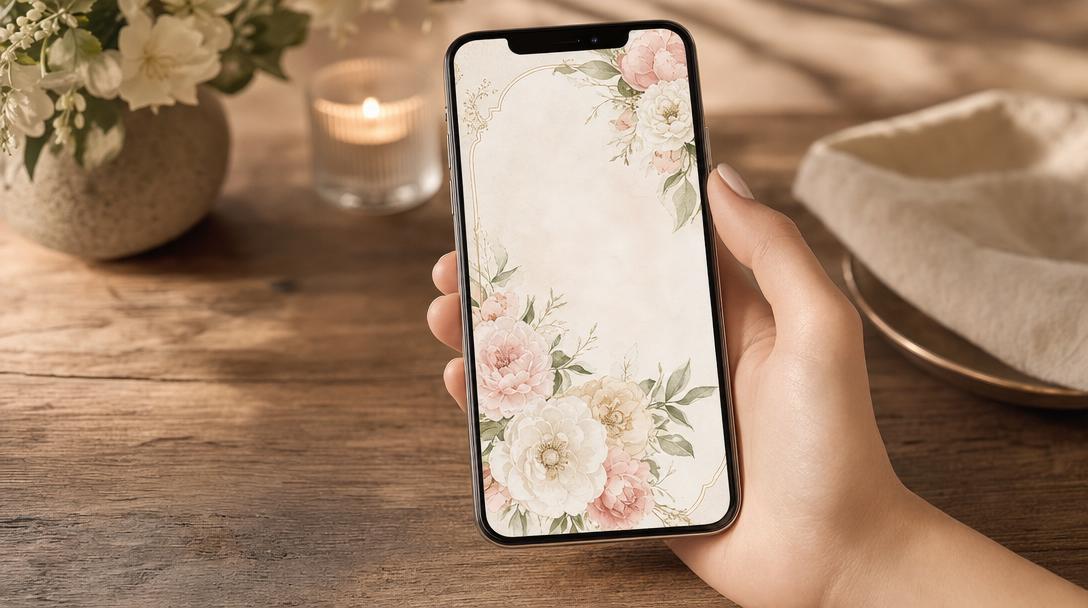
What an AI Invitation Maker Actually Does
A useful AI invitation maker handles the design decisions that usually eat an afternoon:
- Style translation. You say "editorial and modern, black and white, high fashion" and the AI picks the typography, spacing, and color treatment that express it.
- Layout decisions. Where the RSVP block goes, how the countdown looks, whether your photo gets a full-bleed treatment or an elegant arch mask.
- Artwork generation. Original cover art created from a description ("watercolor olive branches on cream") instead of a stock photo used by a thousand other events.
- Revision by conversation. "Warmer." "Less busy." "Try a serif." Iterating in plain language is where AI genuinely beats template editors, because you never hit a wall of settings you don't understand.
Image Generators vs. Invitation Platforms
Generic AI image tools (and the AI features inside general design tools) are built to produce graphics. That's fine if you plan to print cards. For a digital invitation, an image is a dead end:
| AI image generator | AI on an invitation platform | |
|---|---|---|
| Output | Static image | Live invitation page |
| Text accuracy | Often garbled in the image | Real text, always editable |
| RSVP | None | Built in, tracked in real time |
| Updates after sending | Re-generate and re-send | Edit once, the link updates |
| Guest experience | A picture | Details, schedule, RSVP, photos |
If you only need artwork, an image generator is enough. If you need people to actually respond, you want the AI working on top of digital invitations with RSVP tracking, where the design and the guest management are the same object.
How It Works on Fotify: The AI Design Studio
Fotify's AI invitation maker is called the AI Design Studio, and it lives inside the invitation editor as a chat. Here's the workflow:
Step 1: Create your event
Sign up at dashboard.fotify.app, create your event, and open the invitation editor. Pick any template as a starting point; the AI can restyle it or switch templates for you later.
Step 2: Describe what you want
Open the AI tab and write what you're imagining, the way you'd brief a human designer. The AI restyles the invitation end to end (colors, fonts, layout, section order) and shows you the result as a live preview on desktop and mobile.
Step 3: Iterate in plain language
Each change becomes a numbered version you can step back through. Ask for adjustments, generate custom cover artwork from a description, or upload your own photos and logos and reference them in chat by name.
Step 4: Apply and send
Nothing goes live until you apply a version you love. Then your invitation is ready to share as one link, with RSVP tracking, guest preferences, and reminders handled by the platform. The AI Design Studio is in early access, and every event includes free AI design messages to try it before deciding on a paid plan.
Prompt Ideas That Work
The best prompts describe a feeling plus one or two concrete anchors:
- "Romantic garden wedding at dusk, blush and sage palette, elegant serif headings, keep it airy."
- "40th birthday, art deco, gold on deep green, playful but grown up."
- "Corporate summit, clean and confident, our brand blue, no decorative flourishes."
- "Tropical rehearsal dinner, bold colors, generate a cover of palm leaves at sunset."
- "Make it feel like a vintage letterpress card, muted ink tones, add a monogram feel with our initials."
And for revisions, short beats long: "warmer", "more contrast on the title", "move the countdown up", "less decoration".
What AI Still Won't Do for You
Honest limits, so you know what to expect from any AI invitation tool in 2026:
- It won't know your details. Names, dates, venue, dress code: you provide them, and you should proofread them like always.
- It won't decide your taste. AI executes direction quickly, but "surprise me" produces average results. Give it a feeling to aim at.
- It won't replace the follow-through. Sending, reminding non-responders, and collecting dietary preferences are platform features, not design features. That's why the AI belongs inside the invitation tool rather than next to it.
Frequently Asked Questions
Is there a free AI invitation maker? Fotify includes free AI design messages on every event while the AI Design Studio rolls out in early access, so you can design an invitation with AI at no cost for a small event. Fotify's free tier also covers up to 20 invitations with RSVP tracking. See our comparison of the best free invitation platforms for how free tiers differ across the market.
Can AI generate wedding invitations? Yes, and weddings are where AI design shines: describe your venue, season, and mood, and the AI produces a coordinated design with matching artwork. Pair it with digital save the dates for a consistent look from first announcement to final reminder.
Will the AI-generated design look like everyone else's? Less than templates do. Templates are shared by definition; AI-generated artwork and styling are produced from your specific description, so two couples asking for "romantic garden wedding" still end up with different palettes, type, and cover art.
Do guests need an app to see an AI-designed invitation? On Fotify, no. Guests open a link in any browser, see the invitation, and RSVP in seconds. No download, no account.
Can I start from a template instead of a blank page? Yes. Browse our free invitation templates or pick any of Fotify's built-in designs, then let the AI restyle it. Starting from a template and iterating in chat is usually faster than starting from nothing.
Related Pages
Discover how Fotify can transform your events