The Modern Disposable Camera App for Weddings & Events
Get the disposable camera vibe without the film, the cost, or the wait. Guests scan a QR code, snap unlimited photos through their phone browser, and every shot lands in your private gallery instantly — or stays hidden until your big reveal.
- ✓ Unlimited shots per guest (no 27-photo limit)
- ✓ No film to develop, no wait for the lab
- ✓ Optional 'reveal at end of event' surprise mode
Free to start • No app download • Works on every phone
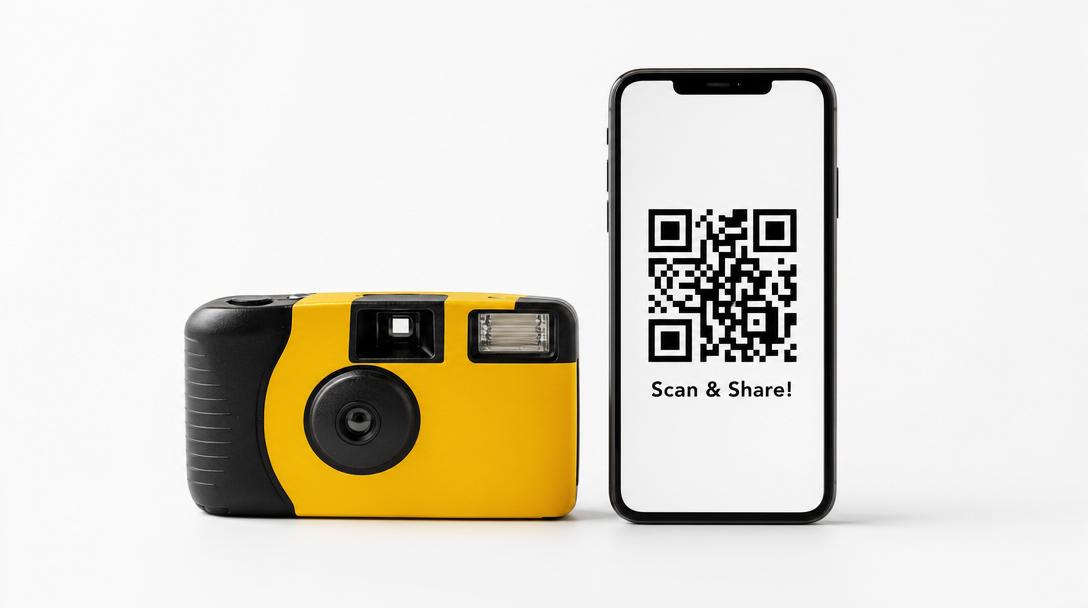
$300+
Average cost of disposable cameras for a 100-guest wedding (cameras + film + developing).
Why Couples Are Replacing Disposable Cameras with QR Code Apps
Physical disposable cameras at weddings are nostalgic — and broken. They run out at 27 shots. Guests forget how to use them. Half the photos come back blurry. Developing costs $5+ per roll. You wait 2 weeks for the lab. And the photos, when they finally arrive, are at 1990s film quality. A digital disposable camera app keeps the fun aesthetic — vintage filters, end-of-event reveal mode, single-use feel — without any of the headaches. Better photos, more of them, ready instantly.
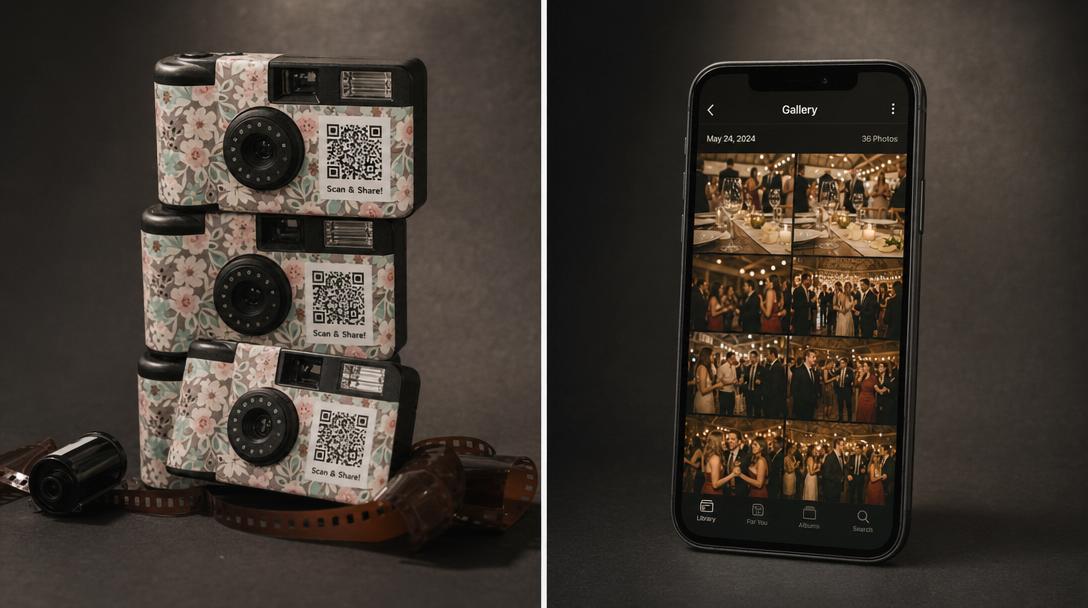
Digital Disposable Camera App vs Physical Disposable Cameras
Same vibe. None of the downsides.
| Method | Shots | Quality | Cost | Wait | Verdict |
|---|---|---|---|---|---|
| Fotify (digital disposable) | Unlimited per guest | Modern smartphone quality | From $0 (free plan available) | Photos appear instantly or at reveal | Best of both worlds — vintage feel, modern tech |
| Physical disposable cameras | 27 shots per camera | 1990s film quality (variable) | $200-400 for a 100-guest wedding | 2-4 weeks to develop and digitize | Cute aesthetic, expensive and slow |
| Single-use throwaway cameras | 20-27 per camera | Variable — many blurry shots | $15-25 per camera + developing | Same — develop, scan, share | Same problems as disposable, different label |
| Instant cameras (Polaroid, Instax) | 10 prints per pack | Instax/Polaroid quality | $80+ per camera, $1-2 per print | Instant prints, but lost or kept by guests | Cool keepsakes, terrible coverage of event |
How the Disposable Camera App Works
From setup to a full guest gallery in 5 minutes
1. Create your event
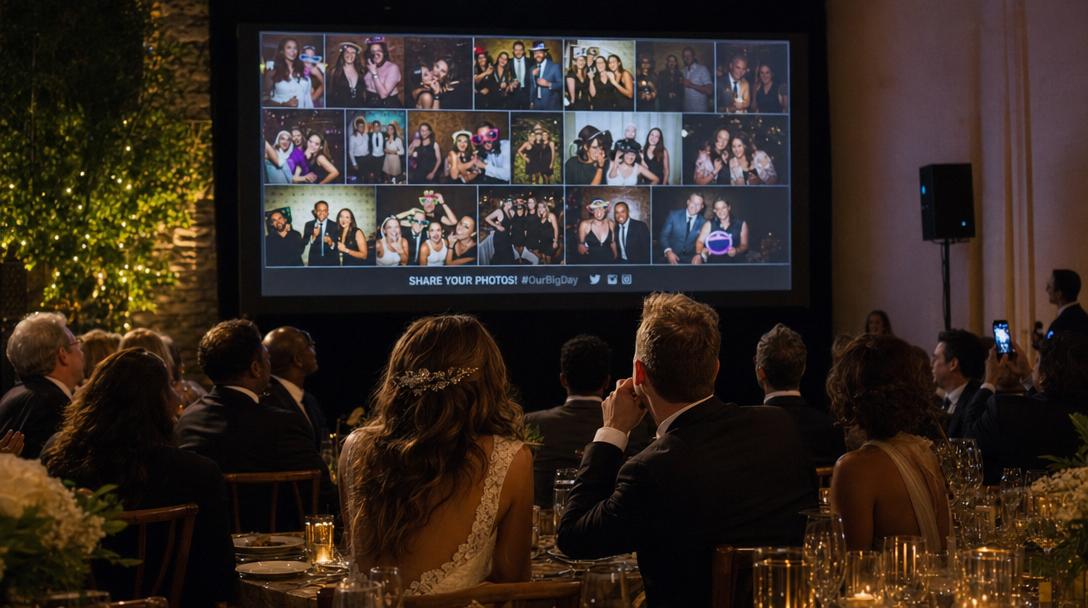
Set up your Fotify event in 2 minutes. Pick disposable mode if you want photos hidden until end-of-event reveal, or live mode if you want them appearing on a screen as guests upload.
2. Print custom 'disposable camera' QR codes
Use our free QR code generator to design QR cards with vintage camera graphics, retro fonts, and your event branding. Place at every table — they replace traditional disposable cameras entirely.
3. Guests scan and shoot — no app, no limits
Guests scan with their phone camera, upload through their browser, and shoot as many photos as they want. No app downloads, no per-guest shot limits unless you want them, no instructions needed.
4. Reveal at the end (optional disposable mode)
Choose to keep photos hidden from guests until the event ends — recreating the 'disposable camera surprise' where everyone sees the night's photos all at once. Or display them live on a TV the whole event.
Built for the Disposable Camera Aesthetic
Get the vintage vibe with modern tech
Vintage filter options
Apply Polaroid, film grain, and retro filters to uploaded photos for that authentic disposable camera look — without the actual film.
End-of-event reveal mode
Hide all uploads from guests until the event ends. Recreates the surprise of getting your disposable cameras developed — but instantly, in one shared gallery.
Optional per-guest shot limits
Want the 'limited shots' constraint of a real disposable? Set a per-guest photo limit (10, 20, 50) so guests are intentional with what they capture.
No film, no developing, no wait
Photos are ready the moment guests upload. Skip the $5 per roll developing, the 2-week wait for the lab, and the gamble of how many shots actually came out.
Unlimited shots if you want
Or remove the limit entirely. With a real disposable camera, 27 shots per camera caps your event coverage. With Fotify, every guest can shoot as much as they want.
Batch download everything
Download every photo in one zip file after the event. Print, share, archive, or upload to a photo book — your photos, your way, no per-print fees.
How It's Different From a Photo Sharing App
Disposable mode = photo sharing with a twist
A disposable camera app and a photo sharing app share the same plumbing — guests scan a QR, upload from a browser, photos land in a private gallery. The difference is the experience. Disposable mode hides photos until the event ends (the 'surprise reveal' moment), can apply vintage filters to recreate film aesthetic, and optionally limits how many shots each guest can take to recreate the constraint of a real disposable. If you want photos visible immediately on a live wall, a regular photo sharing app is a better fit. If you want the magic of disposable cameras without the cost or wait, that's what disposable mode is built for.
Where the Disposable Camera App Fits
Anywhere you'd put physical disposables — and anywhere they fall short
Wedding receptions
Replace 20 disposable cameras at $20 each with one QR code per table. Save $400, get 10x more photos.
Wedding photo sharing →Rehearsal dinners
Pre-wedding events benefit most from digital — cheap, casual, and the photos roll into your wedding gallery.
DisposableCameraApp.useCases.items.rehearsalDinner.linkTextEngagement parties
Lower-stakes events where you want photos but not the full disposable camera budget.
DisposableCameraApp.useCases.items.engagementParties.linkTextMilestone birthdays
30th, 40th, 50th, 60th — milestone parties deserve photos from every angle, without buying 15 disposable cameras.
DisposableCameraApp.useCases.items.birthdays.linkTextBachelor & bachelorette parties
Disposable camera vibe for a multi-day weekend, with cloud backup so nothing gets lost in transit.
DisposableCameraApp.useCases.items.bachelorParties.linkTextCorporate events
Holiday parties, off-sites, product launches — branded QR codes replace disposables with zero waste.
Corporate event photos →Festivals & vacations
Group trips and festivals — capture the whole crew's perspective without coordinating 30 different camera rolls.
DisposableCameraApp.useCases.items.festivals.linkTextMemorials & celebrations of life
Collect tribute photos and shared memories from family and friends in one private digital album.
DisposableCameraApp.useCases.items.memorials.linkTextSkip the film lab. Get every photo instantly.
Create a free Fotify event in 2 minutes and replace 20 disposable cameras with one QR code.
Start free →Disposable Camera App FAQs
Everything you need to know before replacing physical disposables
Is a disposable camera app actually like a real disposable camera?
+
What's the difference between disposable mode and live mode?
+
How does this compare to physical disposable cameras for weddings?
+
Can guests upload to the disposable camera app without an app download?
+
Can I limit how many photos each guest takes?
+
Can I apply vintage / disposable camera filters to the photos?
+
Is there a free disposable camera app option?
+
Can I combine a digital disposable camera with the live photo wall?
+
How do I print my disposable camera QR codes?
+
Should I do a digital disposable or a physical one?
+
Ready to Skip the Film Lab?
Set up your digital disposable camera in 5 minutes. No film, no developing, no waiting — just every guest's photos in one place.
Or generate your event QR code firstRelated Resources
Wedding Photo Sharing App
The full Fotify product for wedding photo collection.
QR Code for Wedding Photos
How to make a QR code that replaces disposable cameras at weddings.
Free QR Code Generator
Design custom QR codes for your event in 60 seconds.
Party Photo App
Live photo wall and QR uploads for parties and birthdays.