DJ Song Request Apps & Systems: Complete Guide for Events 2025
The worst DJ moment isn't a technical glitch—it's missing the bride's grandmother's request because someone scribbled "Dancing Queen" illegibly on a cocktail napkin that ended up under the buffet table.
Modern DJ song request systems solve this. Instead of paper slips, drunk handwriting, and lost requests, digital platforms let guests submit songs via QR codes, live apps, or text messages. DJs see requests instantly on a dedicated panel, can accept or decline in real-time, and never lose track of what's been requested.
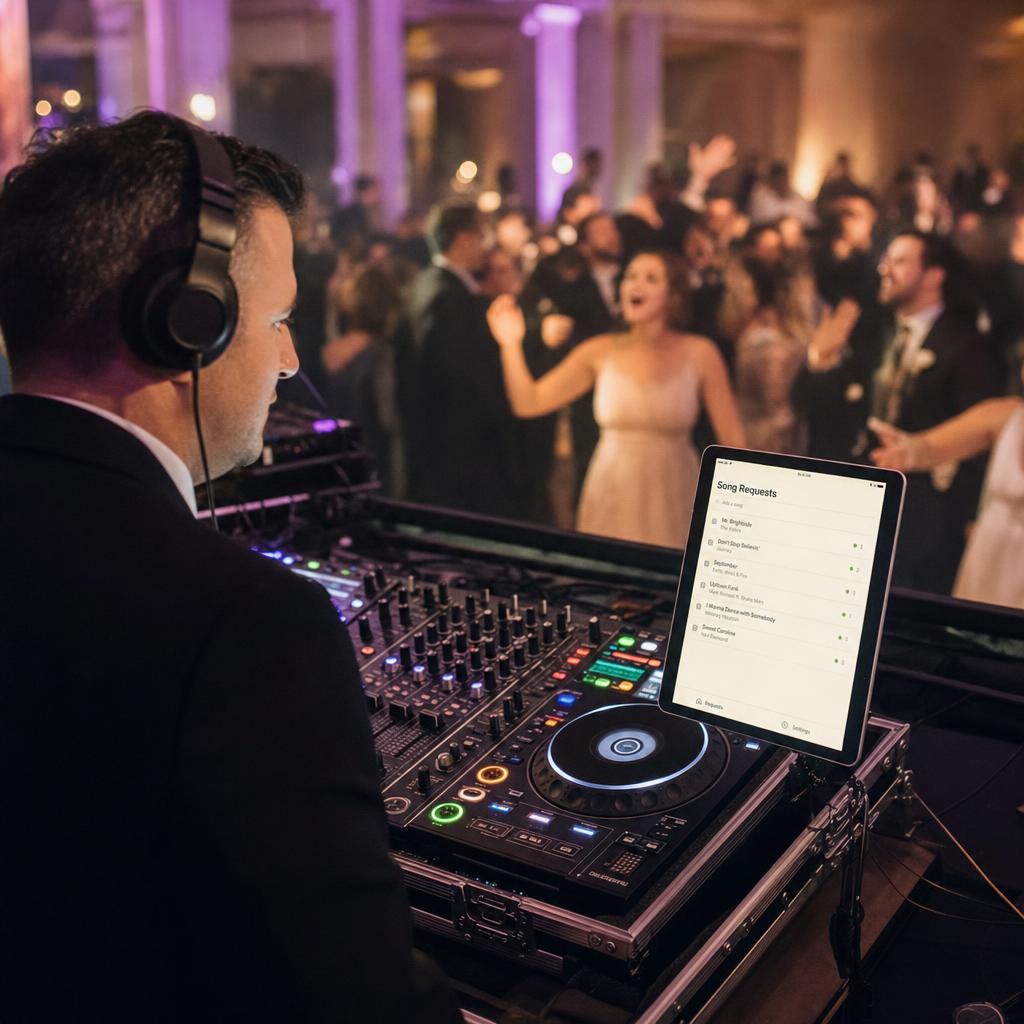
How Does a DJ Take Song Requests?
Traditional methods (still common):
-
Paper request cards - Physical cards guests fill out and hand to DJ
- Pros: No technology required, tangible
- Cons: Cards get lost, handwriting illegible, no priority system
-
Verbal requests - Guests approach DJ booth to ask
- Pros: Personal interaction, immediate response
- Cons: Interrupts DJ workflow, hard to remember, creates bottleneck
-
Text messages - Guests text number displayed at event
- Pros: Simple, doesn't interrupt DJ
- Cons: DJ checks phone constantly, messages get buried, no organization
Modern digital methods:
- DJ song request apps - Dedicated platforms with live request panels
- QR code systems - Scan code, submit request via web form
- Event platform integrations - Song requests built into event apps
The shift to digital isn't just about convenience—it's about DJ control. Paper cards arrive in random order. Digital systems let DJs see all requests, prioritize by timing, filter inappropriate songs, and acknowledge submissions so guests know they were heard.
Best DJ Song Request Apps & Systems
1. Fotify Live Song Requests (Integrated Event Platform)
Model: Song requests built into photo-sharing event platform
How it works:
- Host creates event, generates QR code
- Guests scan QR code with phone camera
- Submit song requests directly through web interface (no app download)
- DJ accesses live request panel showing all submissions in real-time
- DJ can accept, queue, or decline requests with one tap
Pricing: Included in Photo Gallery plan ($29.99/event)
Pros: ✓ No separate app required—guests already using QR for photo uploads ✓ Combines photo sharing + song requests in one platform ✓ Live DJ panel shows requests as they arrive ✓ Works on any phone (iOS/Android) ✓ Guest-friendly interface (same QR for photos and requests)
Cons: ✗ Part of broader event platform (not standalone DJ tool) ✗ Requires internet connection for real-time updates
Best for: Events already using Fotify for photo sharing (weddings, parties, corporate events where you want integrated guest engagement)
Rating: ⭐⭐⭐⭐⭐ (5/5)
Try Fotify's Song Request Feature
2. DJ Intelligence Request Tool
Model: Professional DJ management software with request module
How it works:
- Upload your music library to platform
- Generate custom request page URL
- Guests visit URL, browse available songs, submit requests
- DJ sees requests in main software interface
Pricing: $299/year professional DJ subscription
Pros: ✓ Integrated with full DJ business management suite ✓ Guests only see songs you actually have ✓ Professional tools for event planning, contracts, playlists ✓ Prevents impossible requests
Cons: ✗ Annual subscription required ✗ Overkill if you're not a professional DJ ✗ Requires uploading/syncing music library ✗ Guest interface less intuitive than modern apps
Best for: Professional mobile DJs managing multiple events
Rating: ⭐⭐⭐⭐ (4/5)
3. RequestNow (Text Message System)
Model: SMS-based song request platform
How it works:
- Display unique event phone number at venue
- Guests text song requests to number
- DJ receives texts in dedicated app interface
- DJ can respond, queue, or archive
Pricing: $19.99/month
Pros: ✓ Works for guests without smartphones (basic texting only) ✓ No QR scanning required ✓ Simple concept everyone understands ✓ DJ gets organized feed instead of personal phone messages
Cons: ✗ Monthly subscription (adds up over time) ✗ Guests must type out song names (spelling errors common) ✗ No song library integration ✗ Doesn't prevent duplicate requests
Best for: DJs who prefer text-based workflow, events with older demographics less comfortable with QR codes
Rating: ⭐⭐⭐ (3/5)
4. DJ Song Request Form Template (DIY Solution)
Model: Create custom Google Form or Typeform
How it works:
- Build form with fields: Song Title, Artist, Guest Name (optional)
- Generate QR code linking to form
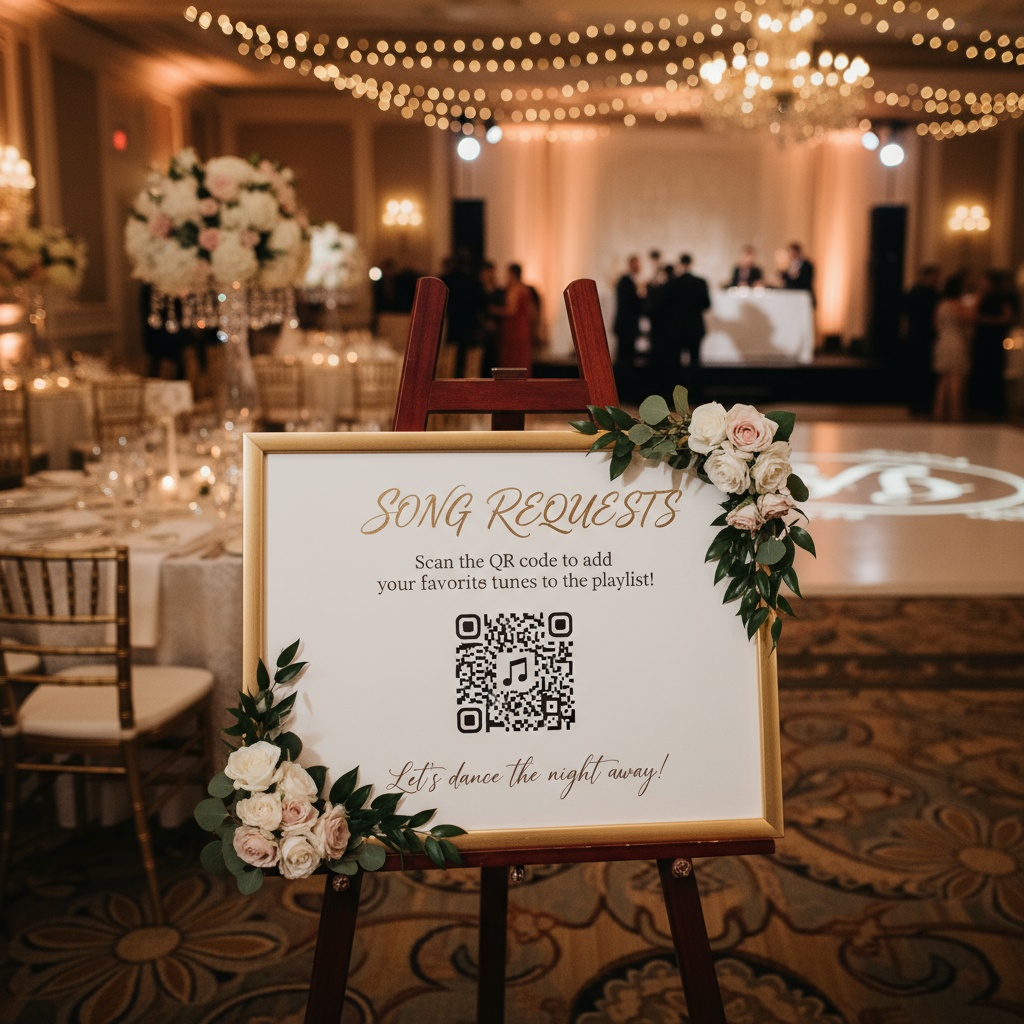
- Display QR code at event (signage, table cards)
- Guests scan, fill form
- DJ checks form responses on tablet/phone
Pricing: Free (Google Forms) or $25-$50/month (Typeform Pro)
Pros: ✓ Completely customizable ✓ Free option available ✓ Simple to set up (30 minutes) ✓ Guests familiar with form interfaces ✓ Can add fields like "Special occasion?" for context
Cons: ✗ No live panel—DJ must refresh to check new requests ✗ No accept/decline workflow ✗ Doesn't prevent duplicate submissions ✗ No integration with DJ software ✗ Guests might submit songs you don't have
Best for: Budget-conscious DJs, one-off events, testing digital requests before paid solution
DJ Song Request Template (Google Forms):
- Create new Google Form
- Add questions:
- "Song Title" (short answer, required)
- "Artist" (short answer, required)
- "Your Name (optional)" (short answer)
- "Special Request? (First dance, anniversary, etc.)" (short answer)
- Settings → Responses → Uncheck "Limit to 1 response" (allows multiple requests per person)
- Get shareable link → Generate QR code using free tool like QR Code Generator
- Display QR code at event entrance, DJ booth, table cards
Rating: ⭐⭐⭐ (3/5) - Great for DIY, lacks professional features
5. Virtual DJ Song Request Plugin
Model: Plugin for Virtual DJ software
How it works:
- Install request plugin in Virtual DJ
- Enable web request interface
- Share request URL with guests
- Requests appear directly in DJ software
Pricing: Free (included with Virtual DJ Pro license - $299 one-time)
Pros: ✓ Native integration with DJ software ✓ Requests appear alongside your library ✓ No separate device needed ✓ Can auto-match requests to library tracks
Cons: ✗ Requires Virtual DJ software ✗ Guest interface basic/outdated ✗ Setup more technical than standalone apps ✗ Limited mobile optimization
Best for: DJs already using Virtual DJ software who want integrated workflow
Rating: ⭐⭐⭐⭐ (4/5) for Virtual DJ users, ⭐⭐ (2/5) for others
DJ Song Request QR Code Setup
Why QR codes for song requests?
- No app download required - Guests scan with phone camera, opens web browser
- Instant access - One scan gets guests to request form
- Print anywhere - Table cards, signage, DJ booth, napkins, menus
- Mobile-first - Everyone has phone already in pocket
- Lower barrier - Easier than typing URL or downloading app
How to create DJ song request QR code:
- Choose platform (Fotify, Google Forms, RequestNow, etc.)
- Get shareable request URL
- Generate QR code:
- Free tools: QR Code Generator, QR Code Monkey
- Built-in: Some platforms auto-generate codes
- Download high-resolution image (PNG or SVG)
- Design signage with clear instructions:
Signage copy example:
🎵 Request Your Favorite Song!

1. Scan QR code with phone camera
2. Enter song title and artist
3. Submit request

[QR CODE HERE]

Your DJ will play the best requests throughout the night!
Best placement for QR codes:
- DJ booth (primary location)
- Event entrance/registration
- Bar area (guests have phones out anyway)
- Cocktail tables (table tents)
- Bathroom mirrors (captive audience)
- Digital displays/screens if available
DJ Song Request Card Template (Printable Backup)
Even with digital systems, smart DJs keep backup paper cards for:
- Elderly guests uncomfortable with technology
- Dead phone batteries
- Internet connectivity issues
- Traditional preference
Printable DJ song request card template:
┌─────────────────────────────────────┐
│         🎵 SONG REQUEST 🎵          │
├─────────────────────────────────────┤
│                                     │
│ Song Title: ____________________    │
│                                     │
│ Artist: ________________________    │
│                                     │
│ Your Name (optional): __________    │
│                                     │
│ Special Occasion? (optional)        │
│ ________________________________    │
│                                     │
│ Please place completed card in      │
│ the request box at the DJ booth     │
└─────────────────────────────────────┘
Print specifications:
- Size: 4" x 6" (postcard size) or 5" x 7"
- Cardstock: 110lb minimum (won't bend/crease easily)
- Quantity: 50-100 cards for 150-person event
- Add event branding/colors for custom touch
Most Requested DJ Songs (What to Expect)
Understanding popular requests helps DJs prepare libraries. According to DJ Intelligence data analyzing millions of events:
Top 10 Most Requested Wedding DJ Songs:
- "Uptown Funk" - Bruno Mars
- "Shut Up and Dance" - Walk the Moon
- "September" - Earth, Wind & Fire
- "Thinking Out Loud" - Ed Sheeran
- "I Wanna Dance with Somebody" - Whitney Houston
- "Sweet Caroline" - Neil Diamond
- "Don't Stop Believin'" - Journey
- "Crazy in Love" - Beyoncé
- "Dancing Queen" - ABBA
- "Mr. Brightside" - The Killers
Top Party/Birthday Event Songs:
- "Yeah!" - Usher
- "24K Magic" - Bruno Mars
- "Good Feeling" - Flo Rida
- "Party Rock Anthem" - LMFAO
- "Levels" - Avicii
Songs DJs Should Auto-Decline:
- "Chicken Dance" (unless specifically requested by host)
- Overly explicit tracks at family events
- Songs that clash with event vibe (death metal at elegant wedding)
- Requests from drunk guests playing pranks
- Songs you genuinely don't have and can't acquire mid-event
Having a request system lets you gracefully decline inappropriate submissions instead of awkward in-person rejections.
How to Request Songs from a DJ (Guest Etiquette)
DO: ✓ Use provided request system (app/QR/cards) ✓ Include full song title and artist name ✓ Be patient—DJ queues requests strategically ✓ Understand DJ might decline if song doesn't fit vibe ✓ Request early in event (increases play chances) ✓ Specify if song is for special moment ("our first dance song")
DON'T: ✗ Interrupt DJ mid-mix to make verbal request ✗ Request same song multiple times ✗ Get upset if your song doesn't play immediately ✗ Request 10+ songs (DJ can't play them all) ✗ Demand song plays "RIGHT NOW" ✗ Request inappropriate songs for event type
Best time to make request:
- Early in event (first hour)
- During natural breaks (DJ transitions, dinner service)
- Via digital system (anytime without interrupting)
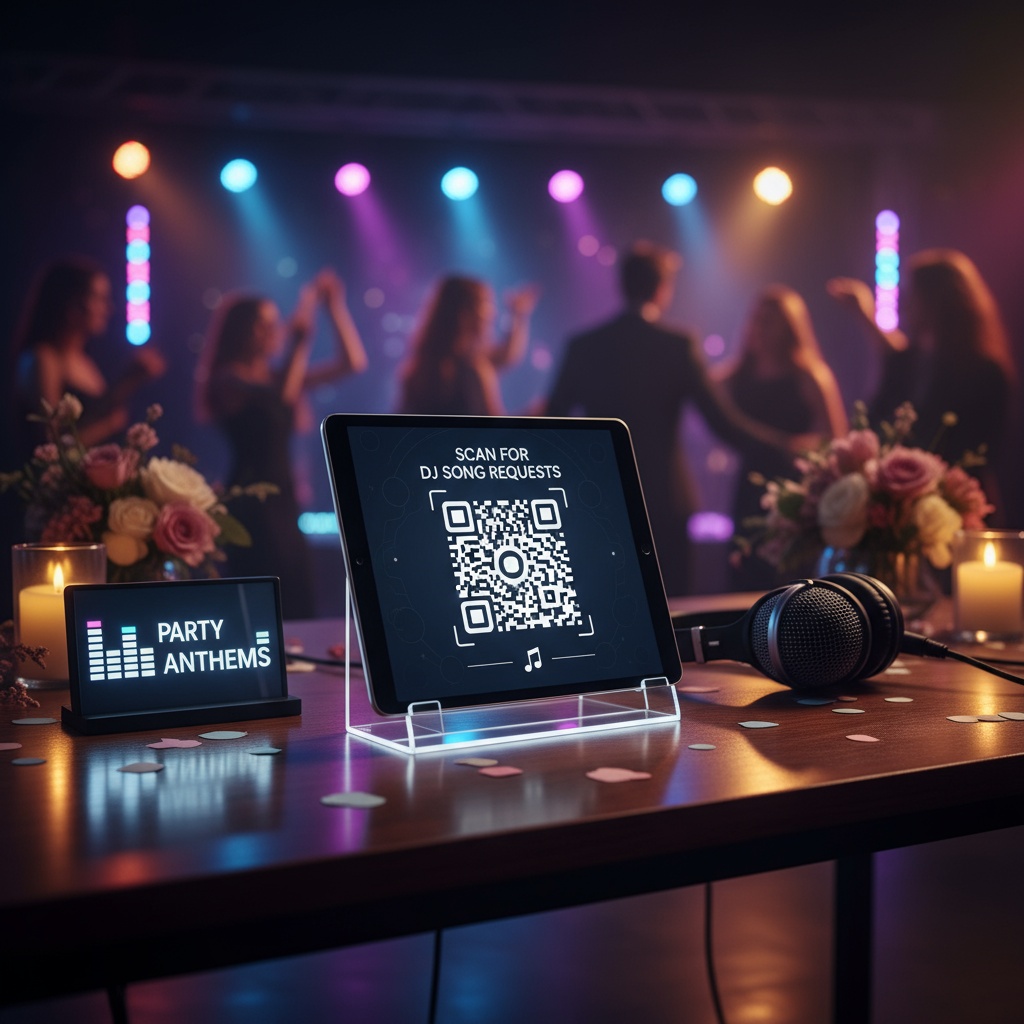
Benefits of Digital DJ Song Request Systems
For DJs:
- Organized workflow - All requests in one dashboard instead of scattered papers
- Better control - Accept/decline requests before they become verbal confrontations
- Request analytics - See trends, popular songs, peak request times
- No lost cards - Digital submissions can't blow away or get spilled on
- Guest acknowledgment - Automated "Request received!" messages reduce "Did you get my request?" questions
- Prioritization - Flag VIP requests (bride's parents, birthday person, etc.)
For guests:
- Convenience - Request from seat without approaching DJ booth
- Confirmation - Know request was received
- Less intimidating - Shy guests don't have to talk to DJ
- Multiple requests - Easy to submit 2-3 songs over course of event
- Spell check - Autocomplete prevents "Sweat Caroline" typos
For event hosts:
- Enhanced engagement - Guests feel heard and involved
- Better dance floor - People dance to songs they requested
- Conflict prevention - Structured system reduces DJ complaints
- Data for future events - See what songs were actually popular
Setting Up DJ Song Requests for Your Event
Step-by-step implementation:
1 Week Before Event:
- Choose request system (Fotify, form template, dedicated app)
- Set up account/form
- Generate QR code
- Create signage (print or digital)
- Test system with friend (scan QR, submit request, verify DJ receives)
3 Days Before Event:
- Share DJ access credentials for request panel
- Confirm DJ knows how to check/manage requests
- Print backup request cards as contingency
- Prepare any "pre-approved only" lists if needed
Day of Event:
- Display QR code at entry point
- Place additional QR codes at strategic locations
- DJ opens request panel on tablet/laptop at booth
- Set up request card box if using backup paper system
- Test: Have staff member submit test request, verify DJ receives
During Event:
- DJ monitors request panel regularly
- Acknowledge popular requests: "This one goes out to Sarah who requested Beyoncé!"
- Decline inappropriate requests gracefully (ignore rather than announcing)
- Prioritize requests from VIPs (host family, special guests)
Frequently Asked Questions
Do wedding DJs take song requests?
Yes, most wedding DJs accept song requests, but smart couples create a "Do Not Play" list in advance. Request systems let DJs filter submissions against this list automatically before accepting.
Should I charge guests for song requests?
Standard practice: No. Song requests are included in DJ entertainment. However, some corporate fundraisers use "pay-to-play" models where guests donate to charity to bump requests up the queue.
How many song requests should I expect?
Average event: 15-30 requests for 100-person, 4-hour reception. Peak request times are first hour (cocktail/dinner) and last hour (guests want favorite songs before event ends).
Can DJs decline song requests?
Absolutely. Professional DJs decline requests that:
- Clash with event vibe (heavy metal at elegant dinner)
- Appear on couple's "Do Not Play" list
- Are inappropriate for audience
- They don't have in library and can't acquire quickly
What if DJ doesn't play my request?
DJs typically play 60-70% of received requests. Reasons for not playing:
- Too many requests (can't fit all in time available)
- Poor timing (slow song during peak dancing)
- Doesn't fit current energy/vibe
- Played recently earlier in event
- Technical issues accessing song
Digital systems help by letting DJs mark requests as "Queued" vs "Declined" so guests get status updates.
Conclusion: Best DJ Song Request System for You
Choose Fotify if:
- You're already using event platform for photos/invitations
- Want integrated guest engagement (photos + requests in one QR code)
- Need simple, guest-friendly interface
- Budget allows ($29.99/event)
Choose Google Forms DIY if:
- Budget is primary concern (free)
- One-time event (not professional DJ)
- Comfortable with basic tech setup
- Don't need live DJ panel features
Choose professional DJ software integration (DJ Intelligence, Virtual DJ) if:
- You're professional mobile DJ doing regular events
- Want tight integration with existing DJ workflow
- Need advanced features (library matching, business management)
- Can justify annual subscription cost
Choose SMS platform (RequestNow) if:
- Older demographic less comfortable with QR codes
- Simple text-based workflow preferred
- Want dedicated request-only tool
The modern standard: QR code → web form → live DJ panel. This combination gives guests easiest submission method and DJs best management tools.
For most events in 2025, integrated platforms like Fotify make the most sense—guests are already scanning QR codes for photos, so adding song requests to the same experience creates unified guest engagement without additional friction.
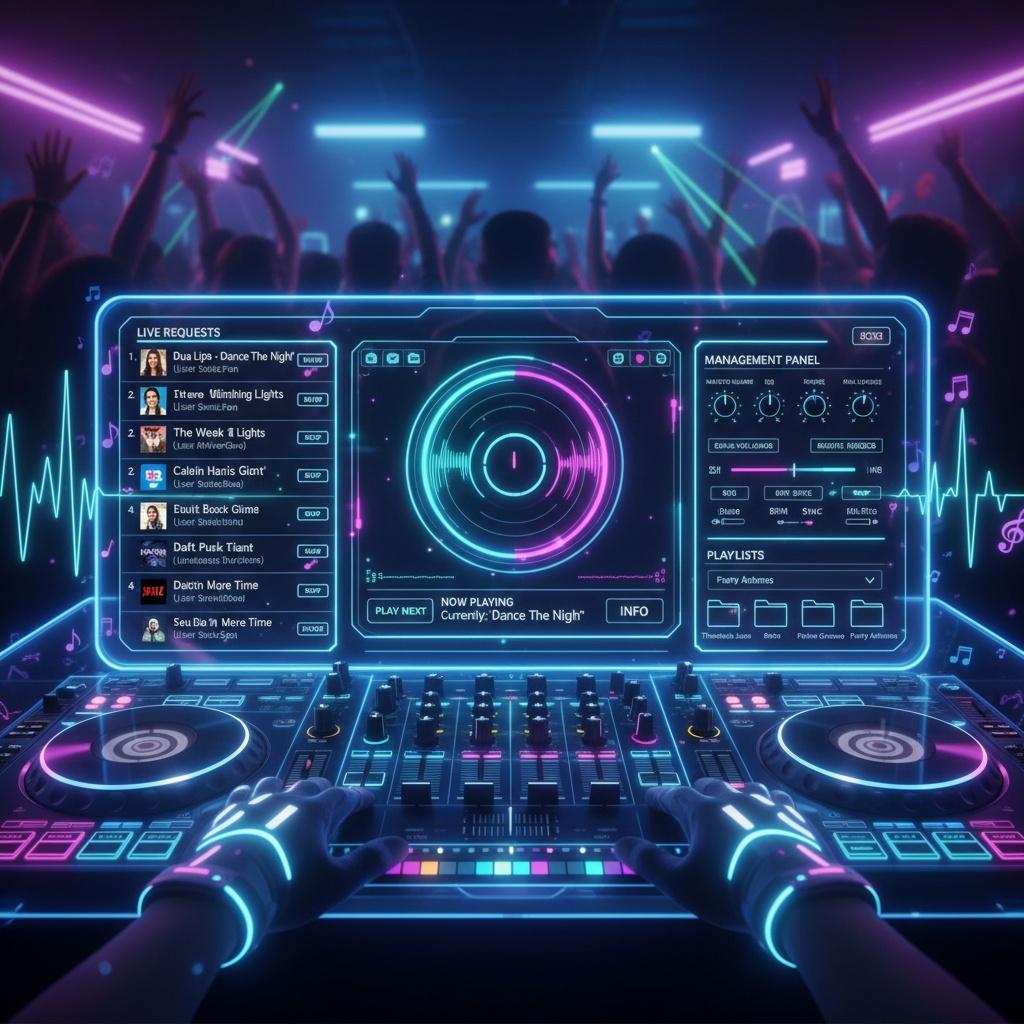
Ready to add song requests to your event? Explore Fotify's live song request feature or start planning your event with integrated photo sharing and DJ requests.
Pricing may vary depending on your country and currency. See the latest pricing on the pricing page.
Related Pages
Discover how Fotify can transform your events