By Fotify
Wedding Budget Planner for Couples: Split Costs, Track Payments and Never Miss a Deposit
Most wedding budgets start life as a spreadsheet one of you made at midnight. It has a tab for venues, a column called "who pays?" that never quite gets filled in, and a deposit date buried in an email thread. By month three, the spreadsheet and the truth have parted ways.
The problem is not the maths. It is that a wedding budget is a shared, moving document: two people (often four, once parents chip in) editing the same numbers, quotes arriving as PDFs, a guest count that changes every week and payments due on different days to a dozen vendors. A wedding budget planner has to handle all of that, or you end up managing the planner instead of the wedding.
This guide walks through how to set up a wedding budget that stays true from the first quote to the final balance, and how the planning hub in Fotify does the parts a spreadsheet cannot: reminders before deposits, per-guest costs tied to your RSVPs, and a single view both of you can open on your phones.

What a Wedding Budget Planner Actually Needs to Track
Before picking a tool, it helps to be honest about the six things you will be looking up again and again:
- Categories and lines. Venue, catering, photo and video, music, flowers, attire, stationery, transport, rentals, cake, rings, favours, ceremony. And a contingency line, because there is always a contingency.
- Estimated versus contracted. Your first number is a guess. Once a quote is signed, that guess should disappear from the totals and the real price should take over, without you having to remember which is which.
- Per-guest costs. Catering, open bar and rentals are priced per head. If your guest count moves from 90 to 110, those lines move with it. A budget that stores "catering: $9,000" as a flat number is wrong the moment the RSVPs change.
- Who pays. Partner 1, Partner 2, shared, her parents, his parents. Every line and every payment should carry a payer, so nobody is surprised at the end.
- Payment schedules. Deposits, second installments and balances, each with a due date, each marked paid or not. This is where spreadsheets fail most often: they store the total, not the timeline.
- The paperwork. The quote you agreed to, the signed contract, the invoice. When a vendor says "as per our agreement", you want that file two clicks away, next to the budget line it belongs to.
If your current wedding budget spreadsheet does the first two well and the other four badly, you are in good company. That is the gap the rest of this article fills.
Step 1: Start From a Template, Not a Blank Sheet
In Fotify, open your wedding event, click Planning in the sidebar and pick the Wedding template. It seeds fourteen budget categories (from Venue to Contingency), three payer labels (Partner 1, Partner 2 and Shared) and a checklist dated backwards from your wedding day: "Book the venue" eleven months out, "Confirm arrival times with all vendors" three days before.
Two settings matter at this stage:
- Currency. One per event. Pick it before you enter quotes; you can change it later from the budget settings, but amounts are relabeled rather than converted.
- Expected guests. Your best guess at the headcount. It drives per-guest costs until real RSVPs replace it.
Add a budget target if you have one. The overview shows how far over or under you are at all times, which is a far calmer way to find out than adding up a column.
Step 2: Enter Estimates, Then Let Quotes Replace Them
Every category holds budget lines. Add a line for each cost as soon as you know it exists, even if all you have is a guess:
- Estimated: your guess.
- Contracted price: filled in once the quote is signed. From that moment it replaces the estimate in every total.
- Who pays and Vendor: assign both now, so the split and the vendor directory stay current without a second pass.
For catering, drinks and rentals, tick This is a per-guest cost and enter the per-head price. Fotify multiplies it by your headcount: the number of guests confirmed through your RSVP once you have any, or your expected guests until then. When your aunt finally confirms her plus-one, the catering line moves by exactly one cover, and the projected total with it.
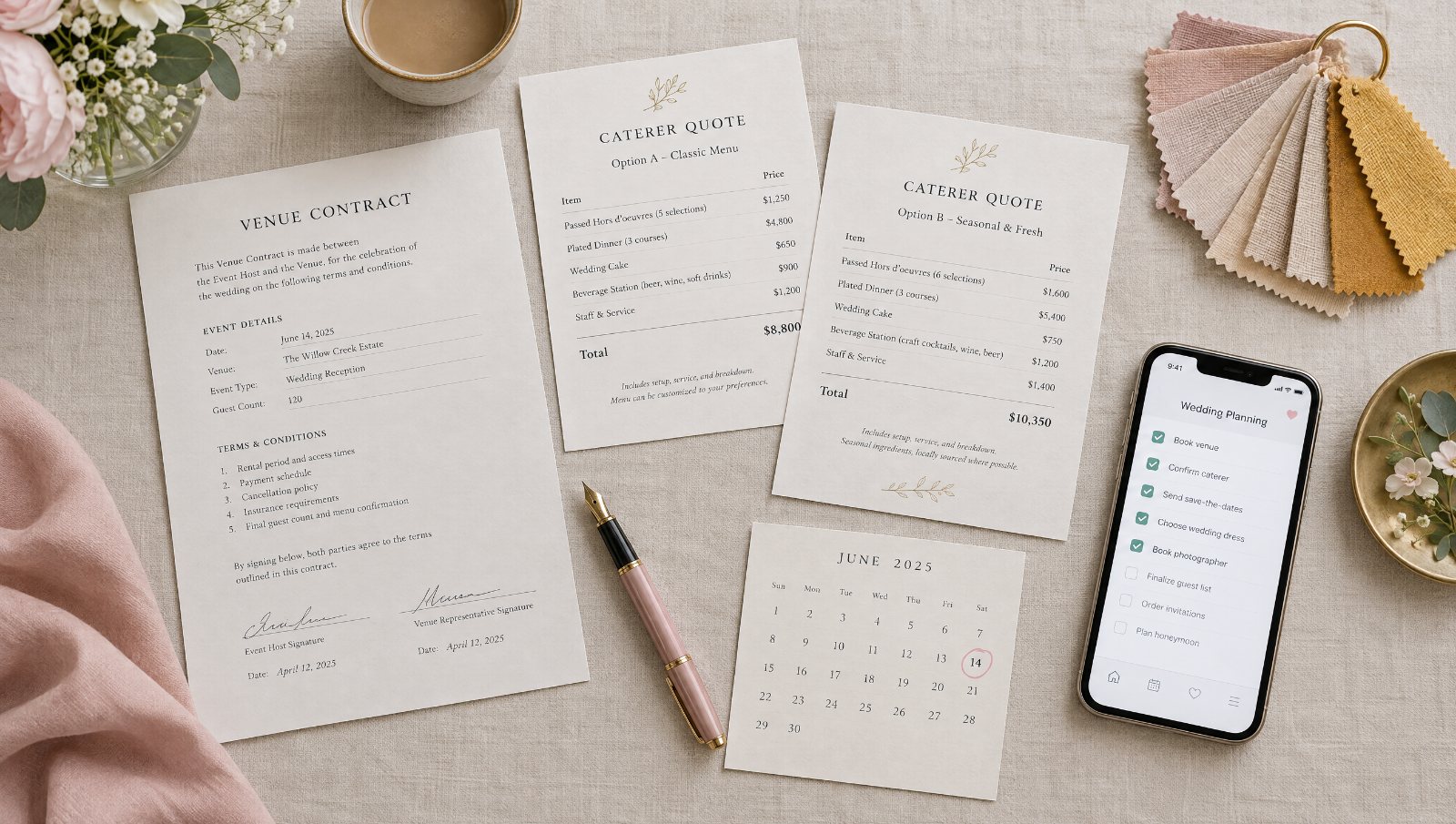
A common rule of thumb is that venue and catering together take around half of a wedding budget, with photo and video, music, flowers and attire each taking roughly a tenth or less. Use that only as a sanity check on your estimates. Your own quotes are the budget.
Step 3: Decide Who Pays What (and Write It Down)
The most awkward wedding conversations are the ones about money that happen late. Have them early, and record the answer on each line.
The planning hub gives every event a list of payers: the seeded Partner 1, Partner 2 and Shared, plus any you add, up to eight (his parents, her parents, the company, the bridal party). Assign a payer to each budget line, and optionally a different payer to an individual payment: the venue may be shared, but the deposit came from one account.
The Who pays what card on the overview then does the arithmetic for you: projected total per payer, how much of it is paid, how much is still owed. It is the single most reassuring screen in the whole hub, because it turns "we'll sort it out later" into a number each of you can see.
Step 4: Schedule Every Deposit and Let the Reminders Work
Vendors rarely want one payment. A photographer might ask for a deposit at booking, a second installment three months out and the balance a week before. Under each budget line, add those as separate payments with a label, an amount and a due date.
Then stop worrying about them. Fotify emails everyone planning the wedding a week before and a day before each unpaid payment is due, in their own language, with a link straight back to the budget. Tick the payment as paid and the line's Paid amount, the payer split and the overview all update at once.
The Next payments card on the overview lists what is coming up in date order, so the morning coffee check is a glance rather than a scroll through twelve vendor emails.
Step 5: Keep Vendors, Contracts and the Run Sheet Together
Every vendor gets an entry with a contact person, phone, email, website, a status (Enquired, Quoted, Booked, Paid) and an arrival time on the day. Because budget lines link to vendors, you can see from any cost who is delivering it, and from any vendor what they are costing you.

Upload the quote and the signed contract to the Documents tab and link them to the vendor and the budget line. Contracts, quotes, invoices and inspiration each get their own type, so the filter "show me every signed contract" is one click.
When the day approaches, the Run sheet PDF pulls your invitation's itinerary together with every vendor's arrival time and contact details into one document you can send to the venue coordinator. It is the same file whether you export it in week one or the night before, and it never drifts from what is in the budget.
Step 6: Make the Big Choices on a Decisions Board, Not in a Chat Thread
"Band or DJ?" "Villa Aurora or the city loft?" "Buffet or plated?" These decisions generate the longest message threads in any wedding, and the answer still ends up somewhere nobody can find.
The Decisions tab turns each one into a card: the question, up to ten options with a price, pros, cons, a link and a vendor, and a vote from each of you. Discuss it in the comments under the card. When you settle, click Choose on the winner. Fotify creates a contracted budget line at that price, links the vendor and marks them as booked, all in one step. The choice is recorded, budgeted and reflected in the payer split without anybody retyping a number.
Step 7: Work the Checklist Together
The wedding template seeds around two dozen dated tasks: agreeing on the total budget, drafting the guest list, booking the venue, sending save-the-dates, ordering invitations, chasing missing RSVPs, building the seating chart, confirming the final headcount with vendors, making the final payments. Each is assigned to one of you and grouped into Overdue, This week and Later, with a reminder email the day before it is due.
Add your own tasks alongside them. The checklist sits in the same hub as the budget and the vendors, so "Book the florist" can be ticked off in the same session the florist's deposit is scheduled.
Bonus: Let Your AI Assistant Do the Typing
If you have connected Claude, ChatGPT or Gemini to Fotify as an AI event planner, the planning hub is part of what it can operate. Paste a quote into the chat and say "add a $2,000 deposit due October 1 to the venue line", ask "which payments are due this month?", or "switch the budget to euros", and the assistant makes the change in your budget. Voting on decisions and uploading files stay in the dashboard, so the choices are always yours.
The Wedding Budget Categories, If You Want to Start on Paper
Whether you use the planning hub or a spreadsheet, these are the fourteen categories the wedding template ships with. Copy them as your first column:
| Category | Typical lines |
|---|---|
| Venue | Hire fee, ceremony space, service charge |
| Catering & drinks | Menu per guest, open bar per guest, corkage |
| Photo & video | Photographer, videographer, albums |
| Music & entertainment | Band or DJ, ceremony musicians |
| Flowers & decor | Bouquets, centrepieces, arch, lighting |
| Attire & beauty | Dress, suit, alterations, hair and make-up |
| Invitations & stationery | Save-the-dates, invitations, signage, menus |
| Transport | Guest shuttle, couple's car |
| Rentals | Tables, chairs, linens, tableware per guest |
| Cake & desserts | Wedding cake, dessert table |
| Rings & gifts | Rings, gifts for the wedding party and parents |
| Favours | Favours per guest |
| Ceremony & officiant | Officiant fee, licence, ceremony extras |
| Contingency | 5–10% set aside for what you have not thought of |
Mark the per-guest ones, add a "who pays" column, and give each line three payment rows (deposit, installment, balance) with due dates. If that sounds like a lot of columns to maintain by hand, that is the point: the planning hub maintains them for you.
Next Steps
The planning hub is included from the Professional plan up and on every event subscription (see pricing); on other plans you can open it and browse it with sample data. It sits next to the rest of the wedding tools: digital invitations with RSVP that feed your headcount, the seating chart, and the wedding photo sharing app that collects every guest's photos on the day.
Create your event, click Planning, pick the Wedding template, and have the "who pays what" conversation this week rather than the week before the wedding.
Related Pages
Discover how Fotify can transform your events